AI Solutions
AI Contact CenterAI-Enabled Contact Center Solution

AI Agent SolutionAutonomous agent for sales &
support

AI Voice AgentConversational Voice AI Agent for Sales &
Support

AI ChatbotAI-powered customer support on Web & WhatsApp

AI Noise Cancellation (SanClarit)Remove Background Noise in Real
Time

Ticket Management System (SanTMS)AI-enabled Helpdesk and ticket
management
solution
Calling Solutions

Call Center Solution (SanCCS)On-premises contact center
solution

Hosted Call Center Solution (SanCCS)Cloud-based contact center
solution
with Zero Hardware Requirement

Click To Call (Dialer For CRM)CTI Integration with your internal &
external
CRM

Office Telephony (SanIPPBX)Connect multiple-branch offices over the
internet for voice
calls

Hosted IVR (EasyGoIVR)Cloud-based IVR Service for real-time call
routing &
reporting
Industry Specific

Lead Management Software (VedaERP)Billing, accounting & ERP
software

Immigration CRM (SanE-Visa)CRM to manage Leads, Status, College fee
Structures, and
Invoices

Transport Management (SanTrans)Transport Management System for
transportation
businesses

Real-Estate CRM (Mera Estate)Complete property management system for
brokers and real
estate agencies

Order Management (SanORDO)Automates and streamlines order processing
for D2C
businesses

Emergency Response Coordination Center (SanERCC)Coordinate emergency
calls, alerts, and response teams from one platform.
WhatsApp Solution

TeamInspectorWhatsApp Chat Monitoring Tool for
Businesses

WhatsApp Business ToolWhatsApp Business Calling Solution with
Meta

WhatsApp Business CallingWhatsApp Chatbot Integration for
Industries

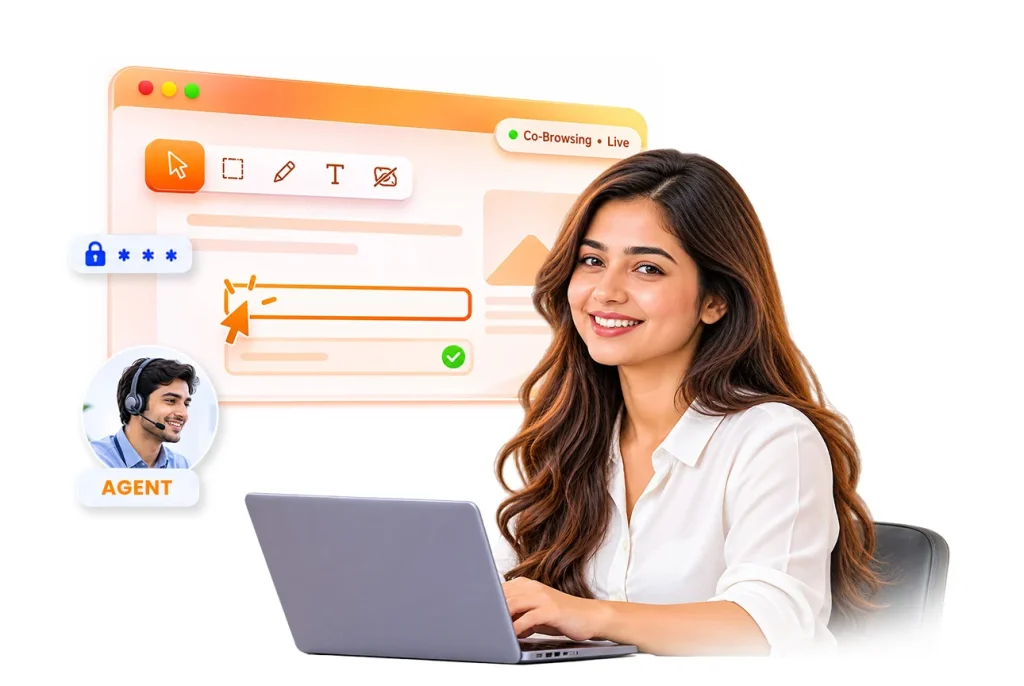
Help customers to explore websites, complete forms, and resolve issues with SAN Co-Browsing. Guide your customer in real time with visual tools and data masking, without needing any software downloads.


Co-Browsing is a real-time, collaborative tool that allows customers and support agents to review and interact with the same web page. It helps agents guide customers through online forms, website issues, and other online tasks without needing clear, real-time verbal instructions.
With live visual guidance, agents highlight important sections, point out buttons, and help customers to complete tasks step by step. Co-browsing also supports sensitive data masking to protect customer information during sessions, without downloading any additional software.
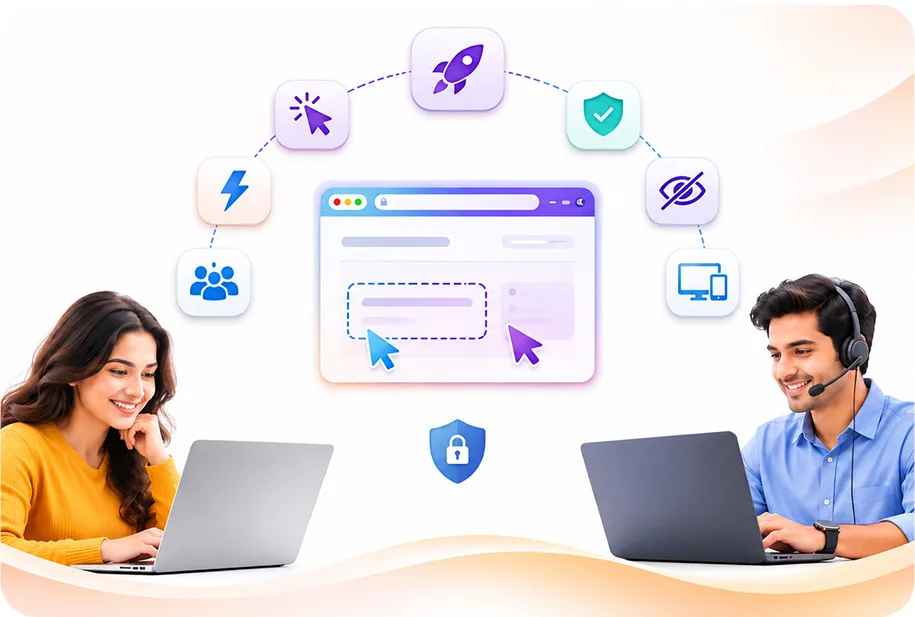
Here are the key benefits of Co-Browsing Software that enhance customer support, protect customer privacy, and provide real-time assistance.

Co-Browsing Tools allow customers to join sessions directly through their web browser without downloading any software or installing browser extensions.

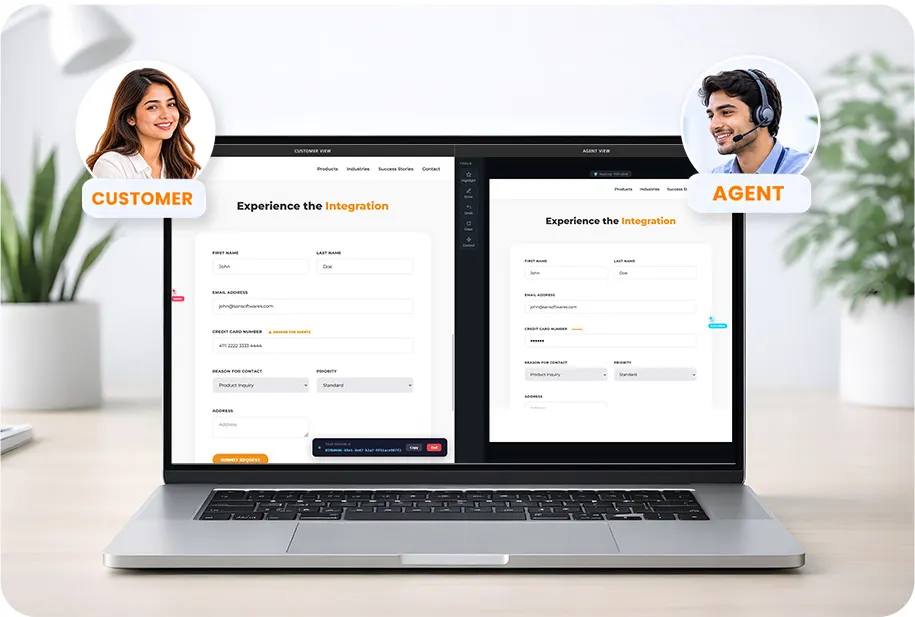
Automatically hides customer sensitive information, such as passwords, payment details, and personal identifiers, before it reaches the support agent.

It helps to transfer lightweight webpage changes through WebSocket connections and ensures Co-Browsing with minimal data usage.

It focuses on the specific webpage and keeps other browser tabs, applications, and personal activities private during the session.

Customers can connect with a support agent in under 2 seconds using a one-click launch and a simple 6-digit session PIN.
SAN Co-Browsing is built for high-demand contact centers, customer support teams, and sales representatives, with comprehensive collaboration tools.

Customers can join a Co-Browsing Session directly through their browser without downloading software, plugins, or extensions. It is a single-click launch where customers can start a session by clicking the support link or widget, making it easy to get support on desktop, tablet or mobile devices.

It gives dual cursors and remote guidance allowing support agents to see customer cursor movements and guide them. With customer permission agents get access to fill out some details, open menus, and complete online tasks.

It allows support agents to use live annotations, pointers, highlights, and drawing tools to mark important elements. These tools help customers understand instructions and complete tasks easily.

Customer important Information, like passwords, payment card details, Aadhaar numbers, PAN numbers, can be masked before webpage activities are shared with the agent. Field-level masking helps to protect customer privacy during support sessions.

Co-Browsing Technology keeps the customer’s and agent’s webpages connected in real time using WebSocket technology. It allows both to see webpage changes smoothly, helping agents to guide customers without delays.

Customers stay in control of Co-Browsing Sessions. They can pause and end a session at any time using the session control, giving them more control over their online support experience.

It provides session recording and replay, allowing businesses to review recorded sessions, where enabled, for quality checks, agent training, and problem resolution. Replay tools help teams to understand how customer interactions were handled.

Supervisors can monitor active sessions to observe how agents assist customers. Available monitoring and assistance tools help managers to guide agents where additional support is required.

Advanced Co-Browsing Solution can be integrated into websites, web applications, and e-commerce platforms using a JavaScript snippet. It helps businesses to add real-time customer assistance to their existing websites with minimal setup.
Co-Browing connects customers and support agents in real time to resolve website problems in simple three steps.

When a customer visits a business website and clicks the integrated live support widget to request help. A 6-digit session PIN is generated to connect the customer with a suitable support agent.

After entering the Session PIN, the connection is established. Now the webpage activity is connected between the two Client & Agent browsers through a secure connection.

Now the Agent can use pointers, highlights, and other drawing tools to explain steps. With customer permission, agents can fill out some details, open menus, and assist with supported actions on the webpage.
Traditional customer support can be time-consuming when customers struggle to navigate websites or resolve problems. SAN Software’s Co-Browsing Solution makes it easier for support agents to guide customers in real time using visual tools and secure data masking.
With SAN Co-Browsing, customers get step-by-step help without downloading any software, making support faster, easier, and more secure.

Give your customers step-by-step website assistance while keeping their sensitive information protected.
© 2026 SAN Softwares Pvt Ltd | All Right Reserved